Cursor Case Study
Redesigning Cursor's onboarding experience to help new and experienced developers more easily understand and adopt AI-assisted coding workflows
ProductDesigner
UI Designer
Tiffany Chau
I streamlined Cursor's onboarding to help developers
I drove the design of Cursor's onboarding experience, collaborating across research and design to improve clarity, usability, and first-time success for developers.
Designed Cursor's onboarding experience, shaping interaction and UI decisions to make AI-assisted coding workflows clearer and easier to understand.
Evaluated onboarding usability through research and testing, identifying friction points and translating insights into focused design improvements.
Iterated on onboarding concepts through feedback and testing, improving layout, interactions, and wording to reduce confusion for first-time users.
AI-assisted coding tools are powerful, but difficult to approach for first-time users.
Many tools introduce advanced AI features early on, but don’t clearly explain when or how to use them. For new users, this can feel overwhelming and make it harder to confidently adopt AI-assisted workflows.
💭 How might we streamline Cursor's onboarding and redesign the first-time experience to feel intuitive and efficient for first-time users?
How developers encounter AI-assisted coding tools today
I examined common AI coding products to understand how new users are introduced to AI features and where onboarding breaks down.
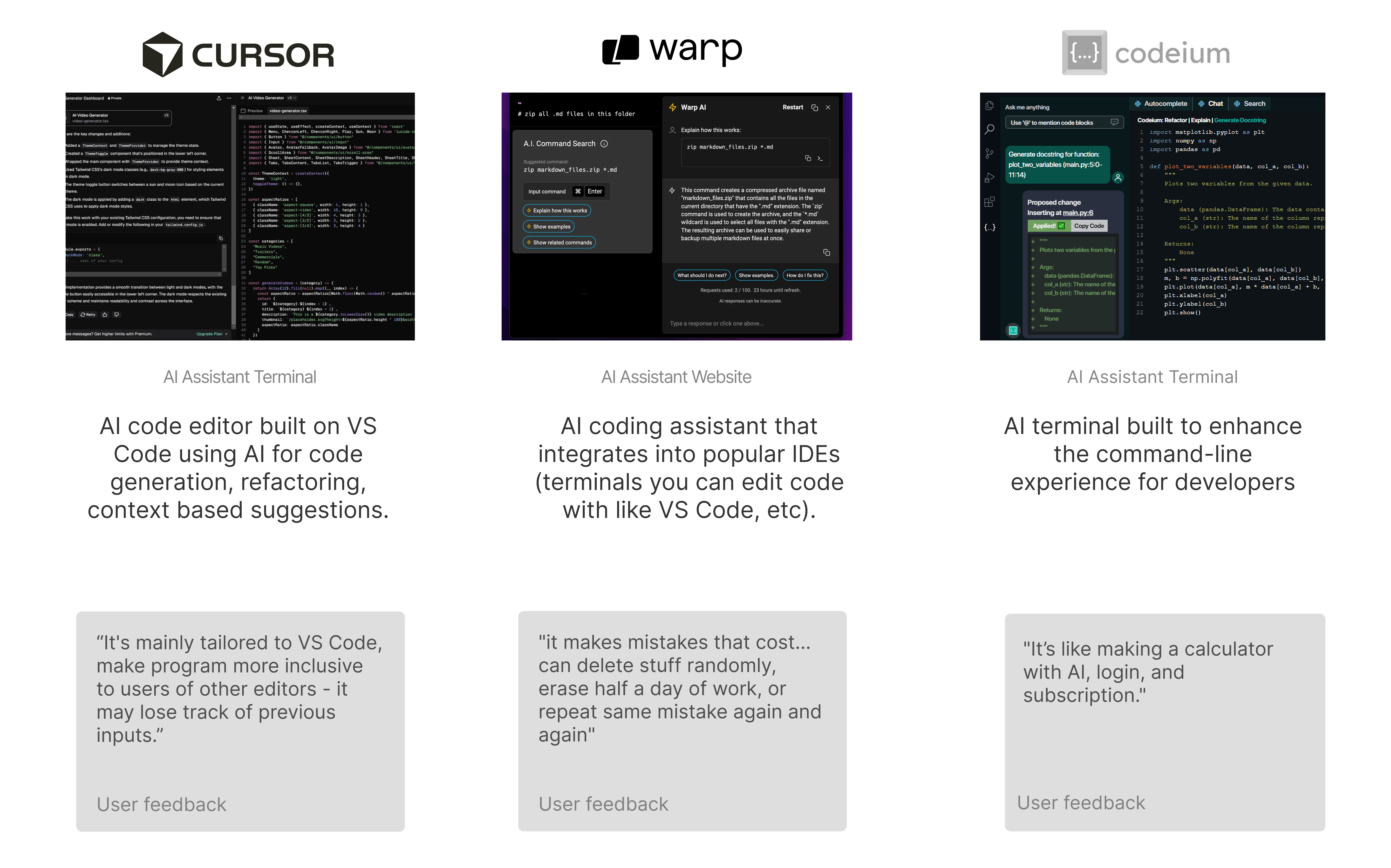
I talked to developers to understand how they currently experience AI-assisted coding tools.
I examined common AI coding products to understand how new users are introduced to AI features and where onboarding breaks down.
Lack of tailored paths for beginners or experienced users.
No options to skip, replay, or revisit onboarding steps.
Not enough persistent tips or shortcut assistance after onboarding.
No easy way to resume onboarding if interrupted
I identified opportunities to improve onboarding
Inclusive Onboarding
Feature Visibility
Clear Project Creation
Design Version 1
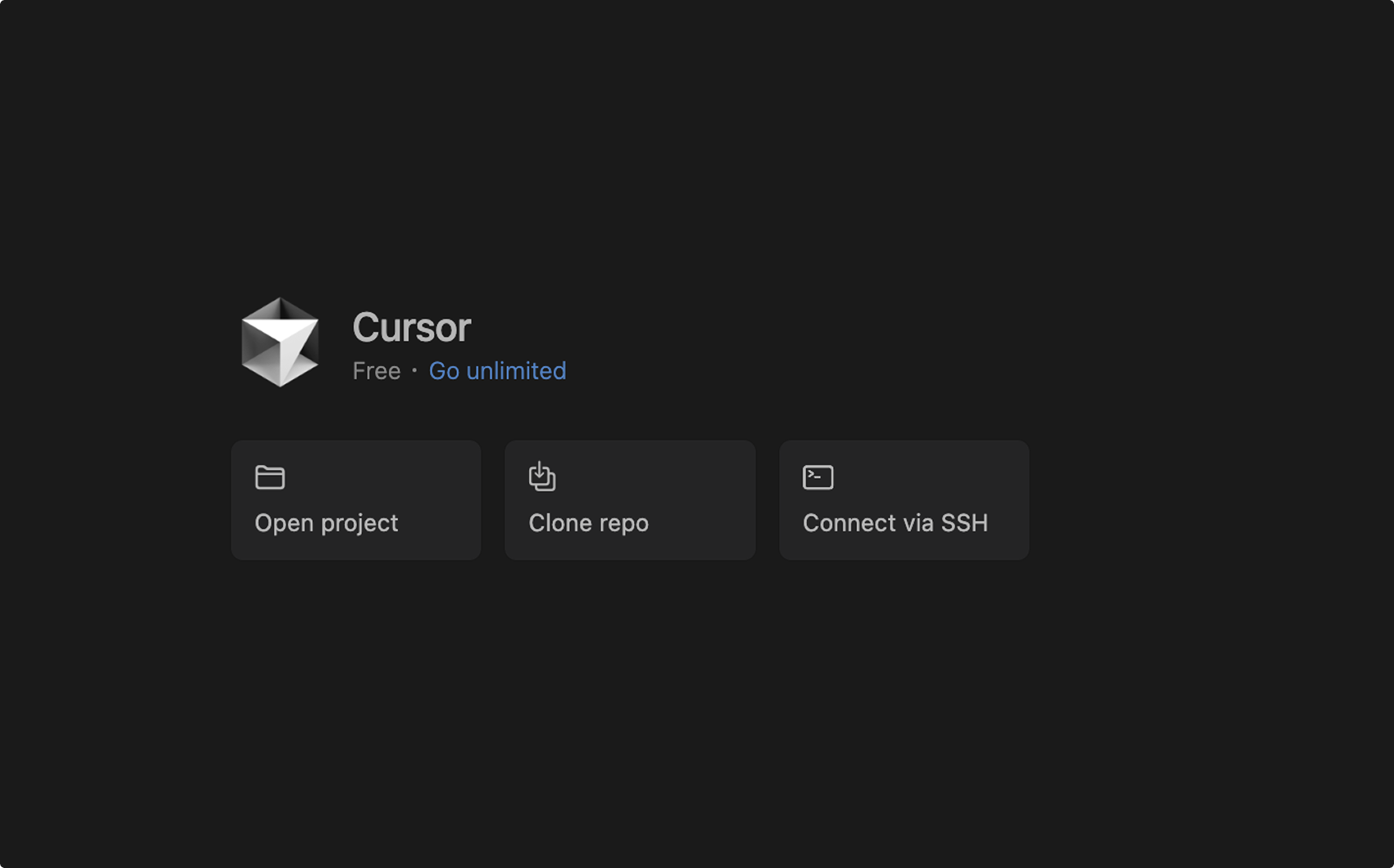
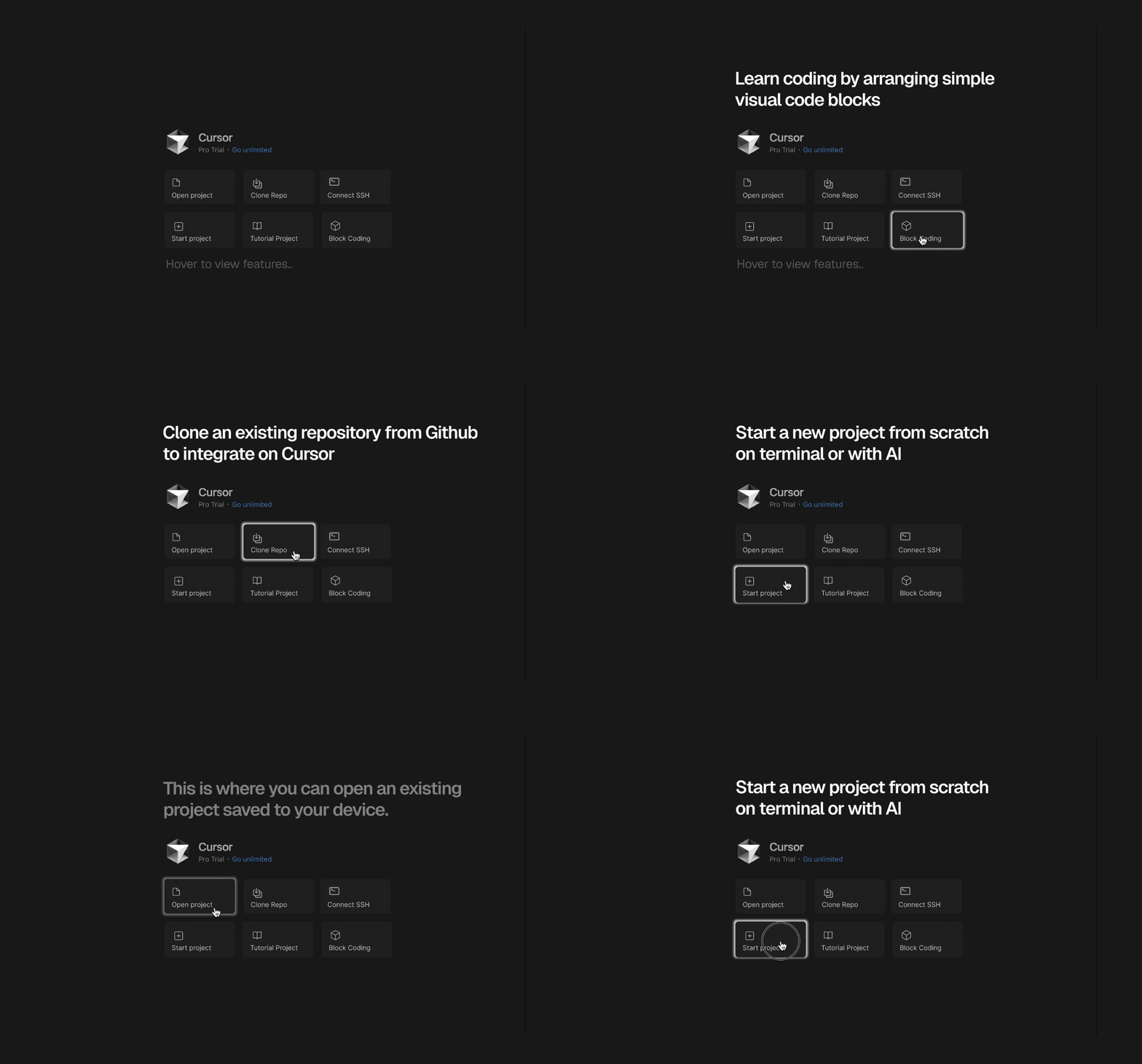
Unmoderated usability testing
We conducted three unmoderated usability tests using UserTesting and Dovetail. Participants were experienced developers asked to download Cursor, attempt to start a new project, and then evaluate our redesigned prototype. Through unmoderated usability testing, we identified three recurring friction points that disrupted users’ ability to confidently start a new project.
"So I think cursor by default it does not have any option for me to create a project."
"So I think cursor by default it does not have any option for me to create a project."
"And even page for me to create a new project, it’s only allow me to open file open project."
Key Findings From Moderated usability testing
To evaluate the clarity, accessibility, and onboarding effectiveness of the redesigned Cursor experience, we conducted moderated usability interviews. These sessions allowed us to observe real-time behavior, probe user expectations, and uncover friction points that would not surface through unmoderated testing alone.
Older and less experienced users struggled with text size and contrast.
Users expected an in-product help hub with documentation, FAQs, and search.
Several participants did not understand what Cursor was before onboarding.
Refined Onboarding Experience
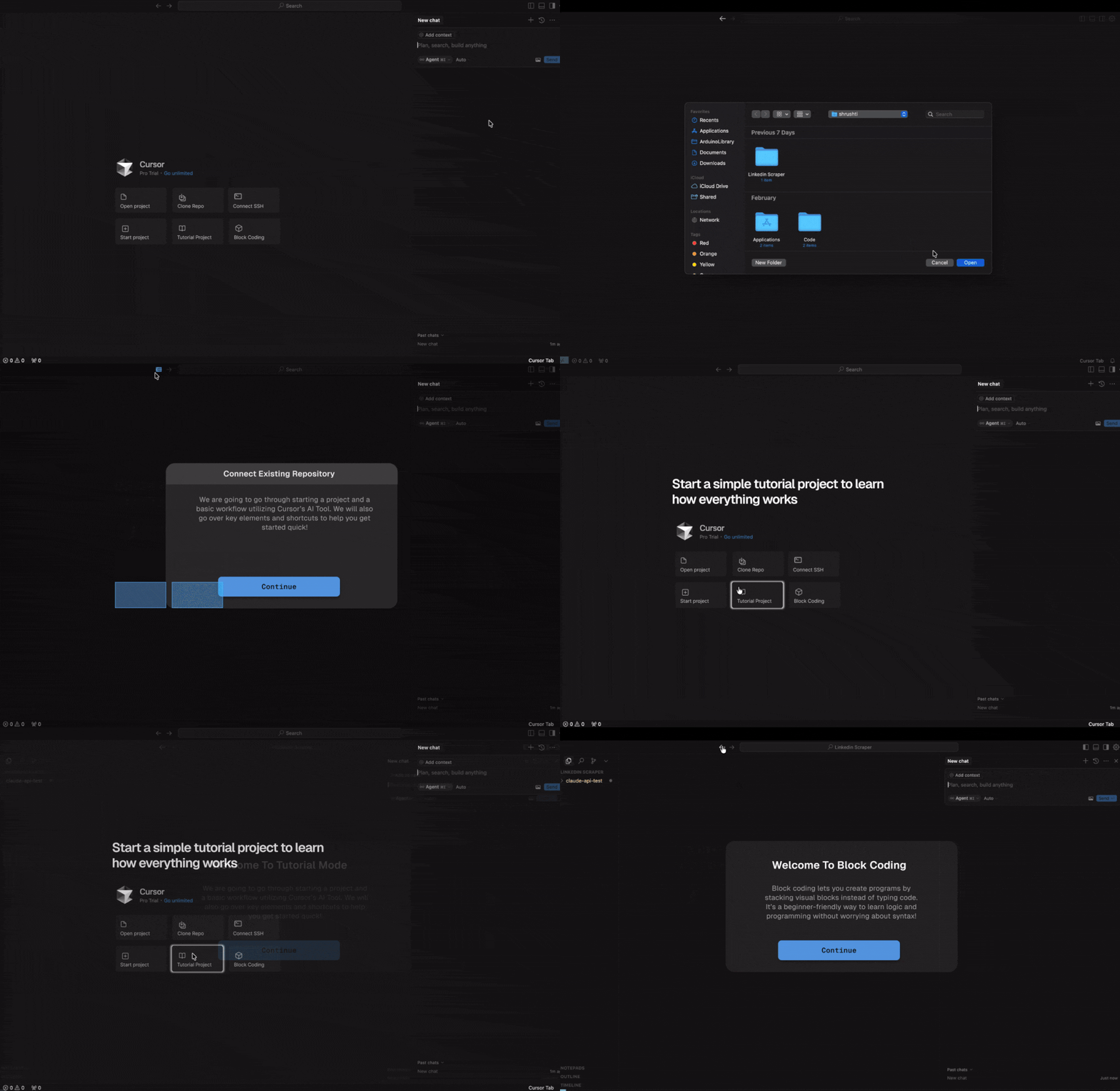
This project taught me how to guide a project from research to outcome
This project taught me how to move beyond just executing screens and start making clear design decisions.
I learned how to prioritize feedback, make tradeoffs, and push the work forward instead of trying to fix everything at once.
Running moderated testing helped me explain and defend design choices with real user behavior. It showed me how research can support conversations, align decisions, and make design feedback more grounded.
This experience taught me the importance of listening, guiding discussions, and considering different experience levels when designing. I learned how thoughtful communication and empathy help teams build better outcomes together.